Pi Agent Cheatsheet
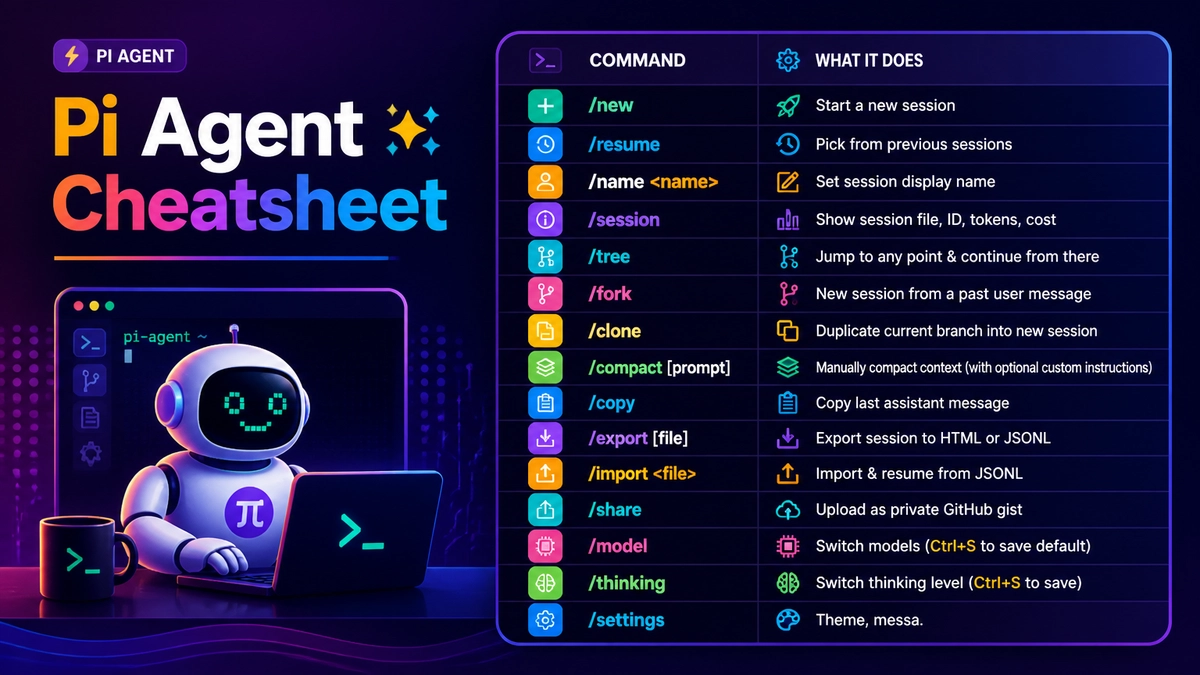
⚡ Pi Agent — CLI Cheatsheet
Slash Commands
| Command | What it does |
|---|---|
/new | Start a new session |
/resume | Pick from previous sessions |
/name <name> | Set session display name |
/session | Show session file, ID, tokens, cost |
/tree | Jump to any point & continue from there |
/fork | New session from a past user message |
/clone | Duplicate current branch into new session |
/compact [prompt] | Manually compact context (with optional custom instructions) |
/copy | Copy last assistant message |
/export [file] | Export session to HTML or JSONL |
/import <file> | Import & resume from JSONL |
/share | Upload as private GitHub gist |
/model | Switch models (Ctrl+S to save default) |
/thinking | Switch thinking level (Ctrl+S to save) |
/settings | Theme, message delivery, transport, etc. |
/reload | Reload keybindings, extensions, themes, etc. |
/hotkeys | Show all keyboard shortcuts |
/quit | Quit pi |
Message Queue
| Action | Effect |
|---|---|
| Enter | Queue a steering message (delivered after current tool calls finish) |
| Alt+Enter | Queue a follow-up message (delivered after all work finishes) |
| Escape | Abort & restore queued messages to editor |
| Alt+Up | Retrieve queued messages back to editor |
Sessions (stored in ~/.pi/agent/sessions/)
| Command | What it does |
|---|---|
pi -c | Continue most recent session |
pi -r | Browse & select a session |
pi --no-session | Ephemeral mode (don't save) |
pi --name "my task" | Set session name at startup |
pi --session <path|id> | Use a specific session |
pi --fork <path|id> | Fork a session into a new file |